

Download Ulysses – Simple Distraction‑Free Writing Tool
Overview
Ulysses is a minimalist text‑editing application built for writers who want to stay in the flow and avoid the endless distractions that modern computers tend to provide. Its core philosophy revolves around a clean, uncluttered workspace that puts the written word front and center, while still offering a deep toolbox for organizing, formatting, and publishing content. Whether you are a novelist drafting chapters, a blogger publishing daily posts, or a student working on research papers, Ulysses promises a seamless environment that eliminates visual noise and encourages focus.
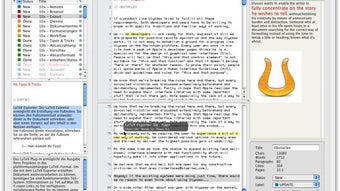
The app’s design strips away the traditional toolbar chaos seen in heavyweight editors like Microsoft Word, replacing it with a single, expansive canvas and a slim navigation panel. By limiting the on‑screen elements, Ulysses reduces the temptation to click on unrelated icons, which can interrupt the creative process. At the same time, it integrates powerful features such as a unified library, advanced search capabilities, Markdown‑based styling, and direct publishing to platforms like WordPress and Medium.
The result is a balanced mix of simplicity and depth, allowing you to start writing instantly while still having the tools you need for professional‑grade output. Ulysses is available for macOS, iPadOS, and iPhone, making it a versatile companion for writers who move between desktop and mobile environments.
Key Features That Set Ulysses Apart
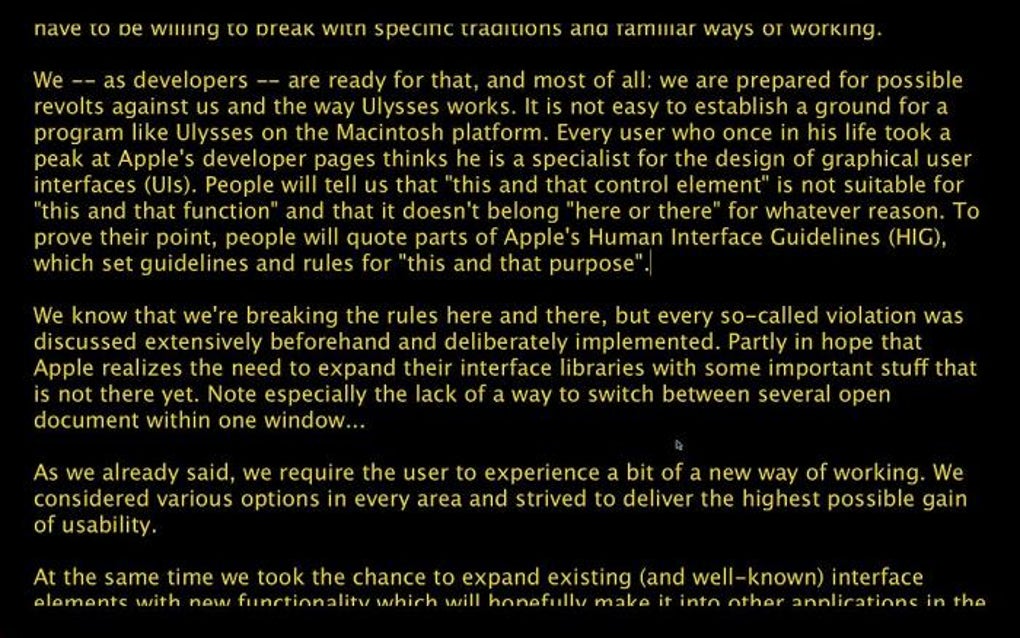
- Distraction‑Free Interface: A full‑screen mode that hides menus, notifications, and other UI elements, leaving only the text and a subtle navigation bar.
- Unified Library: All your sheets, drafts, and notes are stored in a single, searchable library, eliminating the need to manage multiple files or folders.
- Powerful Search & Filter: Search not just by keywords, but also by tags, headings, and style formats, making it quick to locate specific sections in large projects.
- Markdown & Style Exchange: Write using Markdown for clean formatting and download or create custom export styles for Word, PDF, HTML, ePub, and more.
- Direct Publishing: Publish articles straight to WordPress, Medium, and Ghost without leaving the app, streamlining the workflow for web writers.
- Goal Tracking & Statistics: Set word count goals, track daily writing time, and view progress charts to stay motivated.
- iCloud Sync: Seamlessly sync your library across macOS, iPadOS, and iPhone, ensuring you can pick up where you left off on any device.
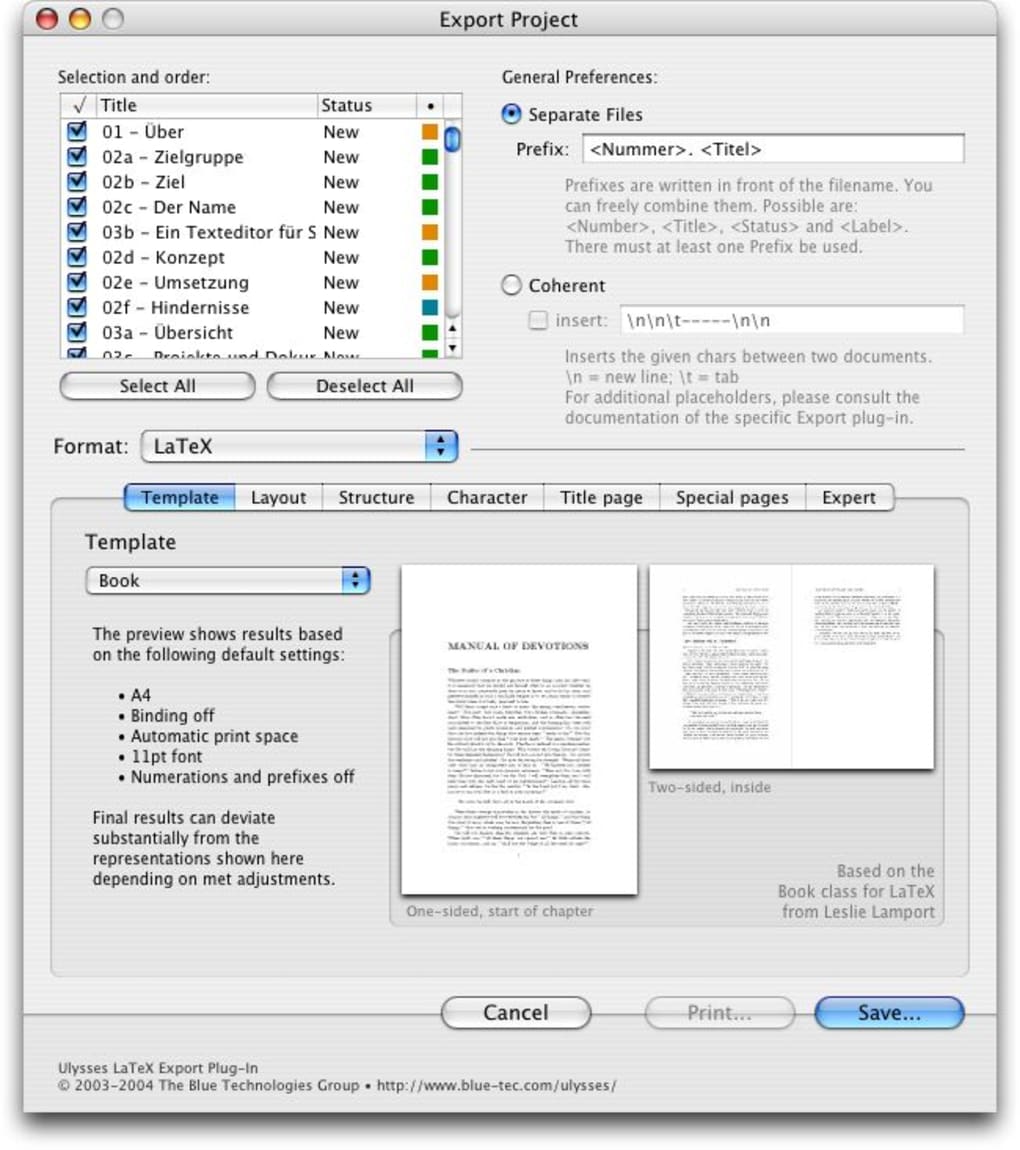
- Export Options: Export to PDF, DOCX, HTML, ePub, and plain text, giving you flexibility for publishing, printing, or sharing.
- Focus Mode with Typewriter Scrolling: Keep the current line centered on the screen, reducing eye strain and helping maintain a steady rhythm.
- Customizable Themes: Choose from light, dark, and sepia themes, or create your own color scheme to match your visual preferences.
While the feature set reads like a comprehensive suite, Ulysses maintains its promise of simplicity by presenting these tools in an intuitive, context‑aware manner. New users can start typing immediately, and as they become comfortable, they can gradually explore the more advanced capabilities such as custom CSS styling for ePub exports or the Style Exchange marketplace. This layered approach ensures that the learning curve, though present, is manageable and rewards users with increased productivity as they master the app’s deeper functions.
Installation & Usage: Getting Started in Minutes
Installing Ulysses is straightforward. On macOS, visit the Mac App Store, search for “Ulysses,” and click the “Get” button. The download size is approximately 150 MB, and the installation process follows the standard App Store flow.
For iPadOS and iPhone, the same steps apply via the iOS App Store. Once installed, launch the app and you’ll be greeted by a brief onboarding tutorial that walks you through creating your first sheet, adding tags, and toggling the distraction‑free mode. The onboarding also introduces Markdown basics, which is essential for formatting without a toolbar.
After the initial setup, you can begin a new project by clicking the “+” button in the library view. Ulysses automatically saves your work to the cloud, so you never have to worry about losing a draft. The editor supports split‑screen view on iPad, allowing you to keep reference material open while you write. To organize large works, use groups and nested groups—think of them as virtual folders that keep chapters, research notes, and outlines together. The built‑in search bar, located at the top of the library, accepts natural language queries; for example, typing “#novel” will instantly filter all sheets tagged with “novel.”
Exporting is equally simple. Click the export button (a square with an arrow) and select your desired format. For blog posts, choose the “Publish to WordPress” option, sign in with your credentials, and hit “Publish.” Ulysses will handle the conversion from Markdown to HTML and upload the content directly to your site. For e‑book authors, select the ePub export, pick a style from the Style Exchange, and the app will generate a fully formatted ePub ready for Kindle or iBooks. Throughout the process, Ulysses provides real‑time word count, readability statistics, and a “Target” feature that alerts you when you reach a predefined goal, making it an excellent companion for deadline‑driven projects.
Compatibility, Pros, and Cons
Ulysses is officially supported on macOS (10.15 Catalina and later), iPadOS (13.0 and later), and iOS (13.0 and later). The app is not available for Windows, Android, or Linux, which means users on those platforms must look for alternatives or use a macOS virtual machine. However, the tight integration with Apple’s ecosystem ensures that iCloud sync is fast, reliable, and seamless across all supported devices.
Pros
- Ultra‑clean, distraction‑free interface that helps maintain focus.
- Powerful unified library and search system for large writing projects.
- Direct publishing to popular platforms reduces workflow steps.
- Robust export options, including ePub and HTML with custom CSS.
- iCloud sync keeps work up‑to‑date across Mac, iPad, and iPhone.
- Goal tracking and statistics motivate writers to meet targets.
- Extensible with the Style Exchange marketplace for custom export styles.
Cons
- Steep learning curve for users unfamiliar with Markdown or CSS.
- Only available on Apple platforms; Windows and Android users are excluded.
- Subscription‑based pricing may deter writers looking for a one‑time purchase.
- Advanced publishing features (e.g., custom CSS) require technical knowledge.
- No native collaboration tools; sharing drafts requires exporting and sending files.
Ulysses delivers on its promise of a distraction‑free writing experience while packing a surprisingly rich set of features. The only drawbacks are its Mac‑only availability and the need to learn Markdown, but for dedicated writers in the Apple ecosystem the trade‑off is well worth it.
Frequently Asked Questions
Is Ulysses free or does it require a subscription?
Ulysses operates on a subscription model. You can choose a monthly plan (approximately $4.99 per month) or an annual plan (about $39.99 per year), which provides unlimited access to all features and updates across all Apple devices.
Can I use Ulysses on a Windows PC?
No, Ulysses is currently exclusive to macOS, iPadOS, and iOS. Windows users will need to consider alternatives like Scrivener, iA Writer, or Microsoft Word.
Do I need to know Markdown to use Ulysses?
While Ulysses relies on Markdown for formatting, it includes an interactive guide and live preview that lets beginners apply styles without memorizing syntax. Over time, most users find Markdown intuitive and appreciate its speed.
How does the iCloud sync work?
All sheets, tags, and library data are stored in iCloud. When you edit a document on one device, the changes are automatically uploaded and appear on your other Apple devices within seconds, provided you are signed in with the same Apple ID.
Can I export my work as an ePub for Kindle publishing?
Yes. Ulysses can export directly to ePub, and you can apply custom CSS styles via the Style Exchange to meet Kindle Direct Publishing requirements. After export, simply upload the ePub file to your Kindle account.
Conclusion & Call to Action
Ulysses stands out in the crowded field of writing applications by marrying a minimalist, distraction‑free interface with a powerful set of publishing and organization tools. Its focus on Apple devices means you receive a seamless, cloud‑synced experience that keeps your drafts accessible wherever you write. While the requirement to learn Markdown and the lack of Windows support may deter some, the overall value for macOS and iOS users is compelling. If you are a writer looking for an environment that helps you stay in the zone while still offering robust export, publishing, and goal‑tracking features, Ulysses is a solid investment.
Ready to boost your productivity and finally finish that manuscript, blog series, or academic paper? Download Ulysses today and experience the perfect balance of simplicity and power.







